Getting Help
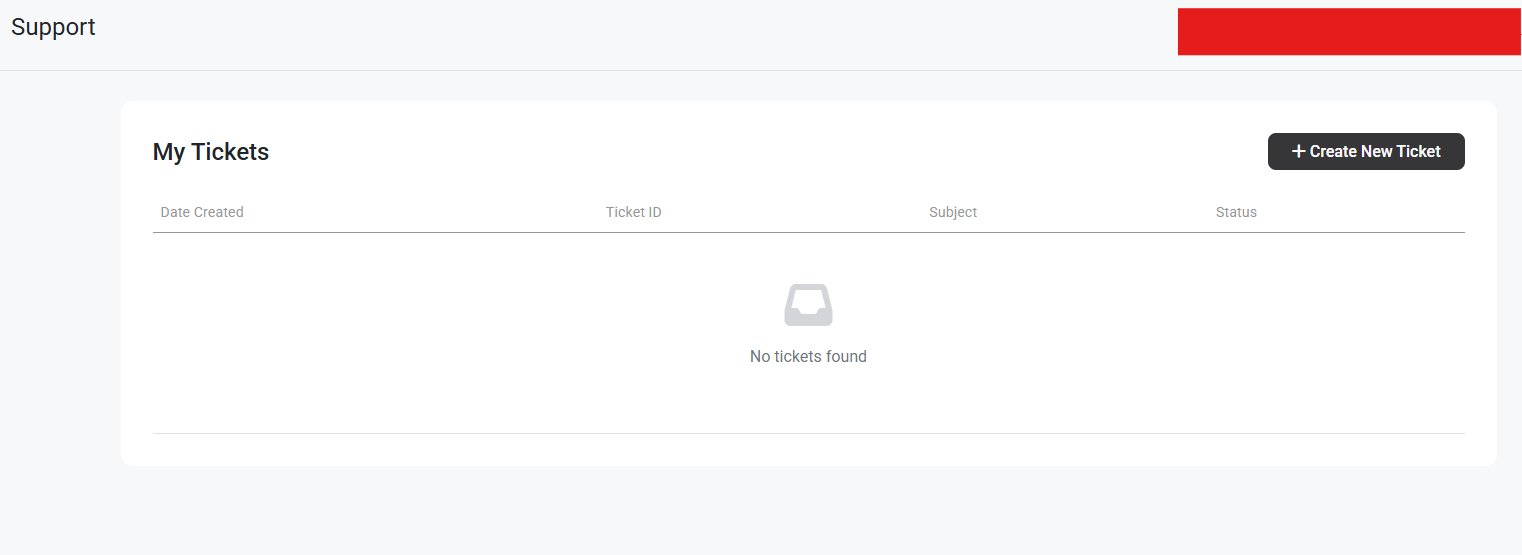
You can contact our Client Experience Team by creating a ticket in your User Portal.
Get Help via the Support Center
Section titled “Get Help via the Support Center”Support Wait Times
Section titled “Support Wait Times”Due to a high volume of requests, there may be a delay of up to two business days in responding. All tickets are handled in the order in which they’re received.
You have easy access to creating a support ticket by logging into your User Portal.
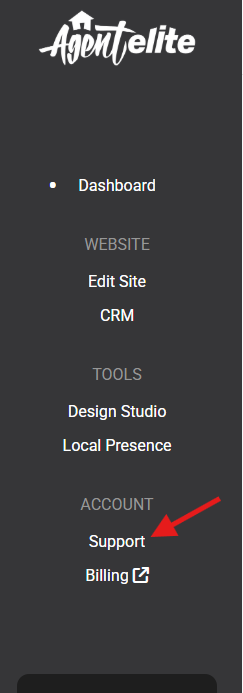
If you haven’t created a ticket previously, simply click the button to Create Ticket.

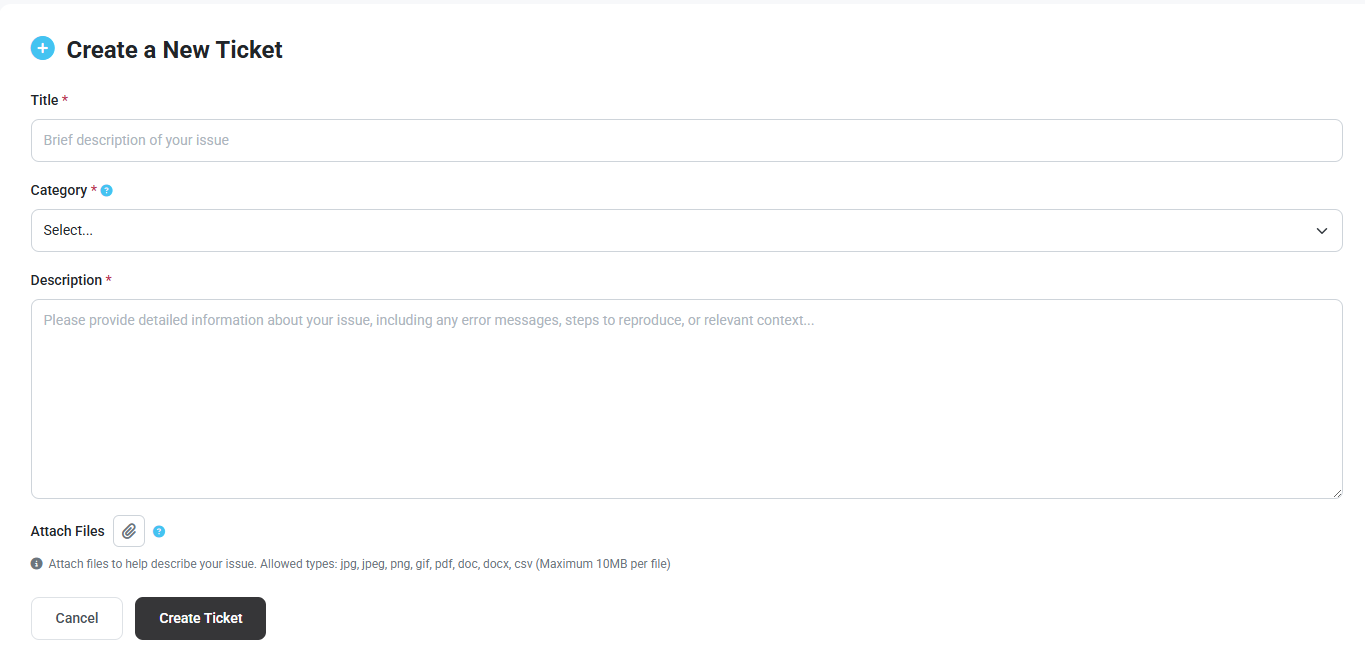
Upon creating a New Support Ticket select the Request Type.
- General Questions
- Facebook Ads
- Billing
- Technical
- CRM
- IDX
- Marketing
- Sales
- Security
View all My Requests
Section titled “View all My Requests”Within the Support screen, you can view a history of your support tickets, as well as respond to them.