
Lead Routing
Lead Routing is a process to automatically distribute leads to agents based on listing agent, postal codes or a round robin.
Featured Listings
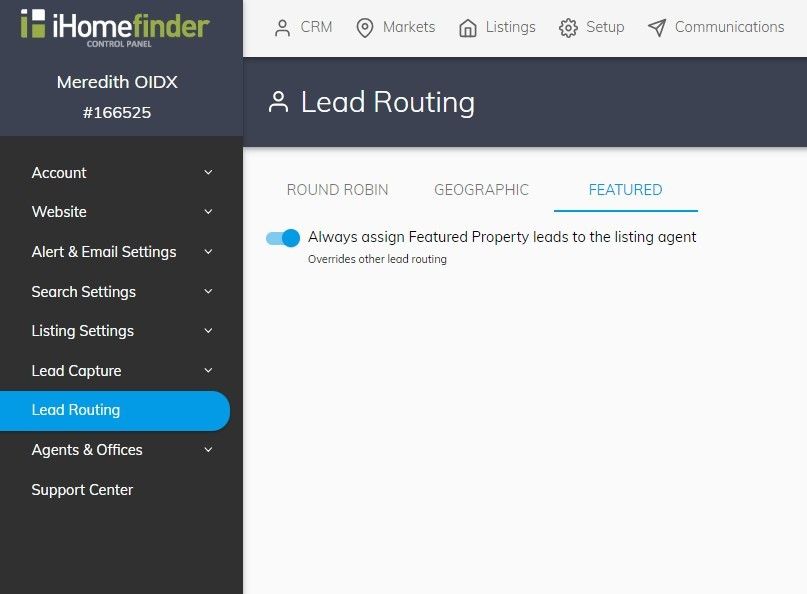
Route all leads interested in Featured Properties to the assigned listing agent. Having this setting enabled overrides any other lead routing feature.
Configure Featured Listings Routing:
- Navigate to Setup > Lead Routing
- Click Featured Tab
- Toggle Always assign Featured Property leads to the listing agent to On
Geographic
Route all new leads on properties in each postal code to a single agent. Agents can have multiple postal codes assigned to them; however, postal codes can be assigned to only one agent at a time.
Configure Geographic Routing:
-
Navigate to Setup > Lead Routing
-
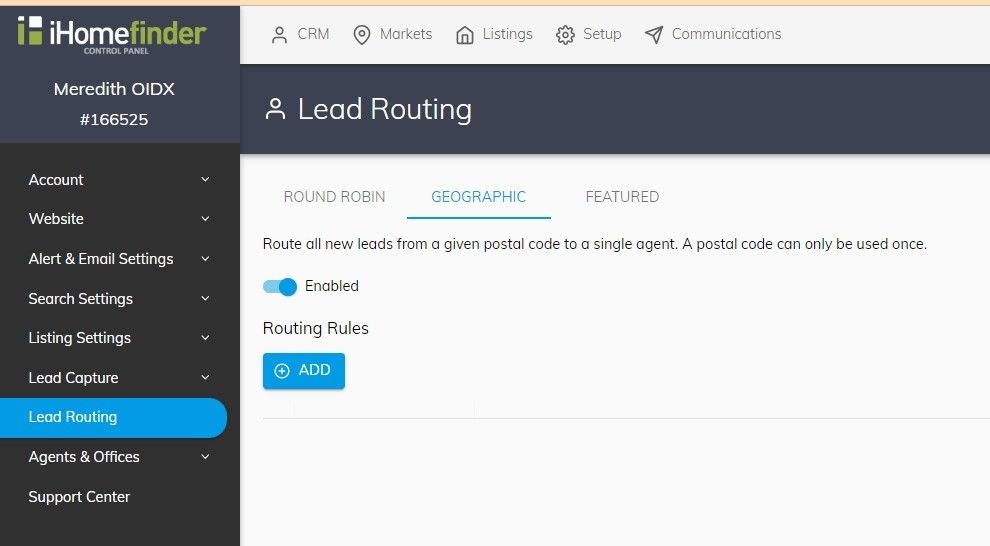
Click the Geographic Tab
-
Toggle the feature to Enabled
-
Click the ADD button
-
Select an agent and enter the associated postal codes (you can enter more postal codes at once and click Add)
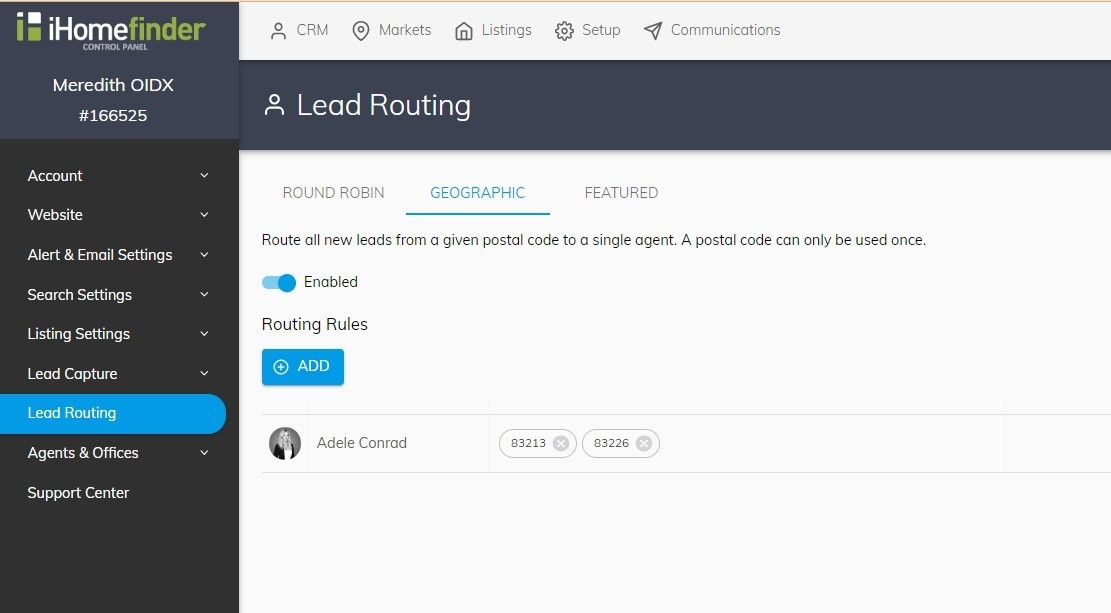
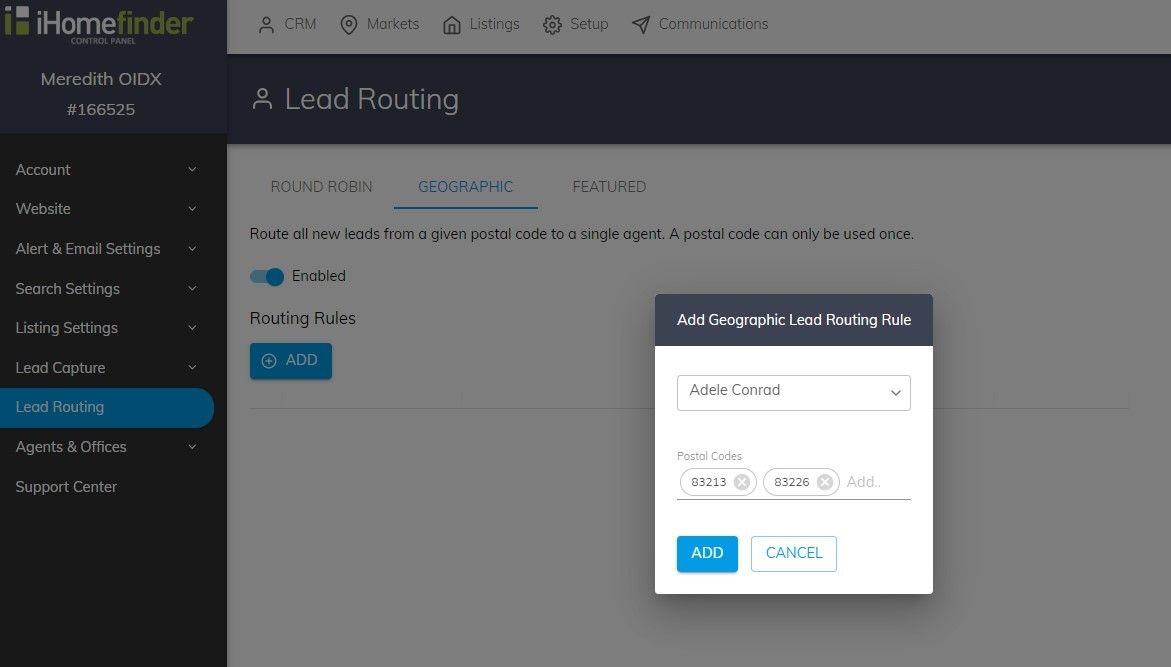
From here you can edit the existing rule to add or remove postal codes as well as removing the rule
Round Robin
Round Robin assigns leads to your agents in a rotating order. Drag and drop to change the order within the list. To create a weighted distribution, add an agent to the list more than once.
Geographic and Featured Property routing take precedence over Round Robin.
Configure Round Robin:
-
Navigate to Setup > Lead Routing
-
Click the Round Robin tab
-
Toggle the feature to Enabled
-
Click the + Add button
-
Select agents to add to the Round Robin Agent Rotation Order
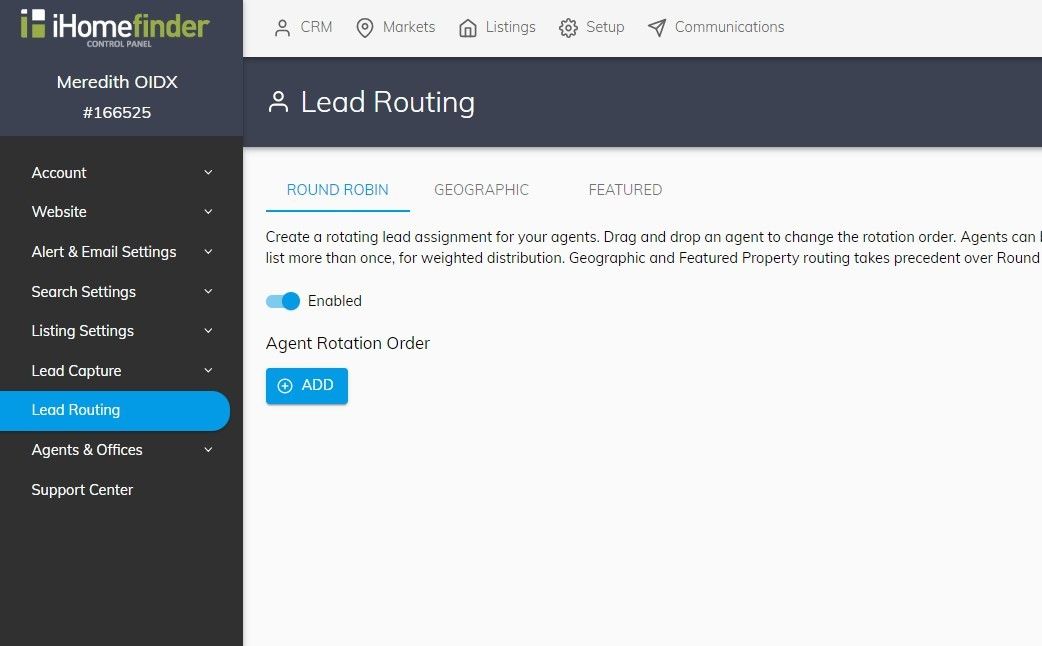
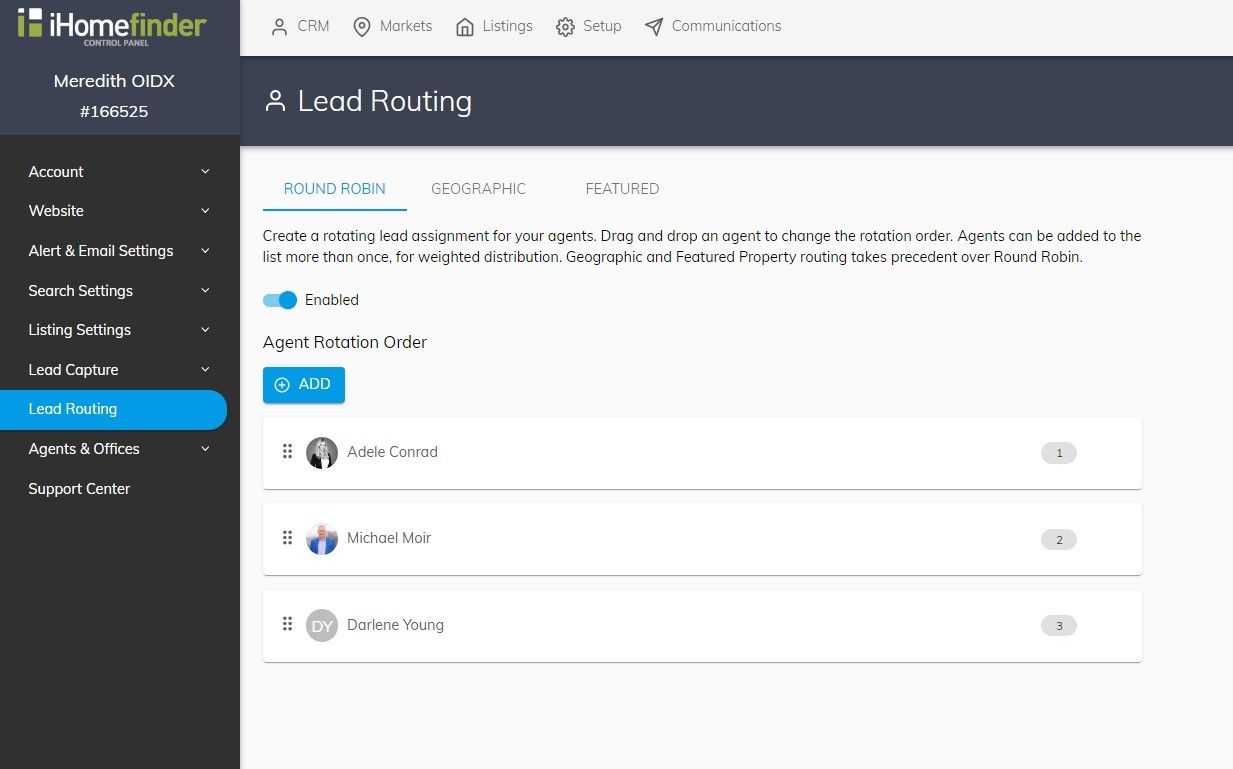
From here you can drag and drop the agent order as well as remove an agent from the list
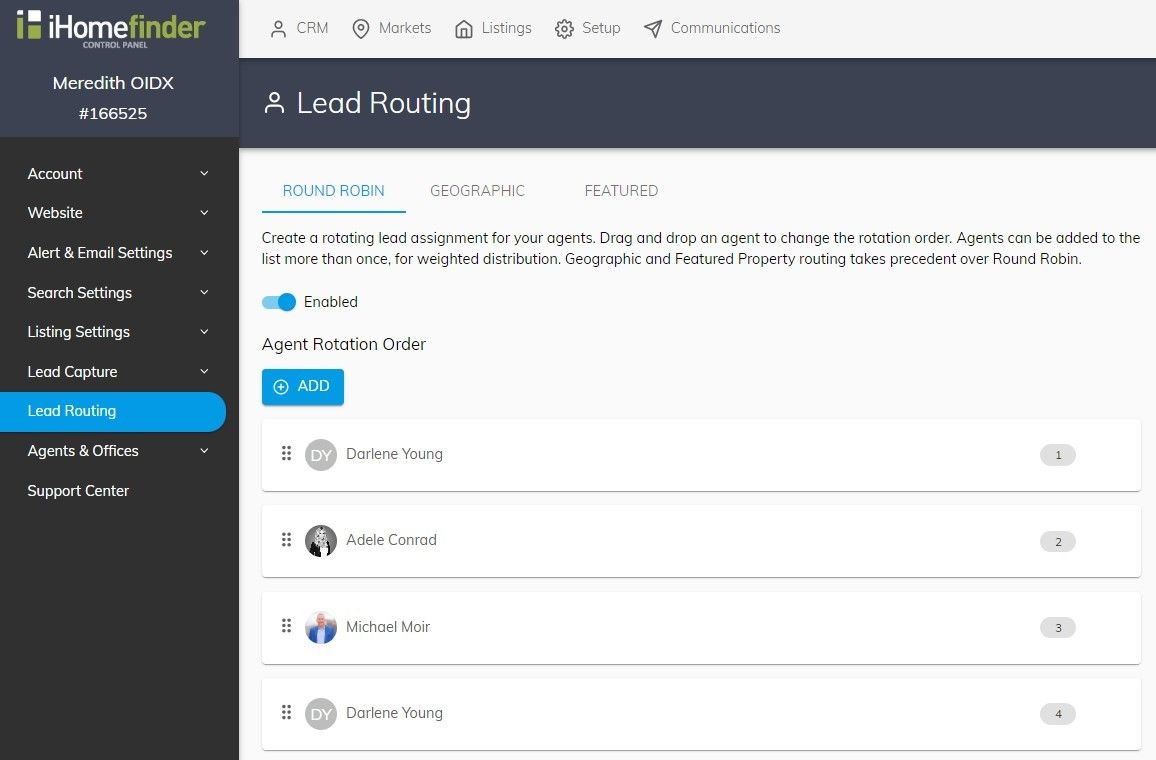
To configure a weighted Round Robin, with agents added to the round robin, you can create a weighted Round Robin by adding the same agent more than once.
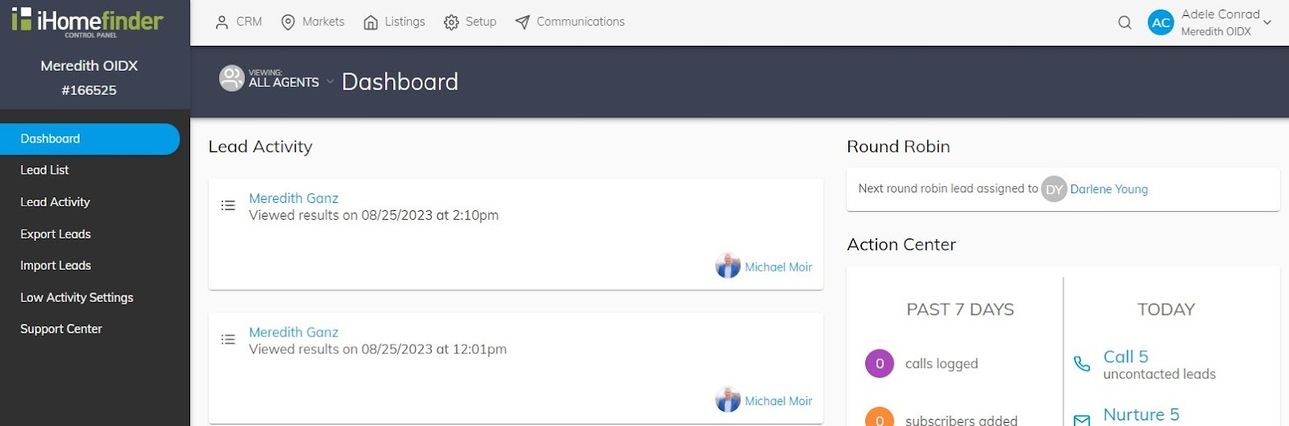
Once the round robin is configured, your Dashboard will reflect the agent a lead will be assigned to next.
Geographic & Round Robin Eligible Leads
Only eligible leads will be assigned via Geographic rules or using Round Robin.
An eligible lead has not:
- Been previously assigned to an agent
- Selected an agent on a contact form
- Submitted a request about a featured listing (if this setting is turned on)