
Downloading leads from Facebook
How to Manually Download Leads from Facebook
Section titled “How to Manually Download Leads from Facebook”To access and download your leads directly from Facebook, follow these 3 steps:
Go to Meta Business Suite:
https://business.facebook.com/
Click ‘All Tools’ on the left menu
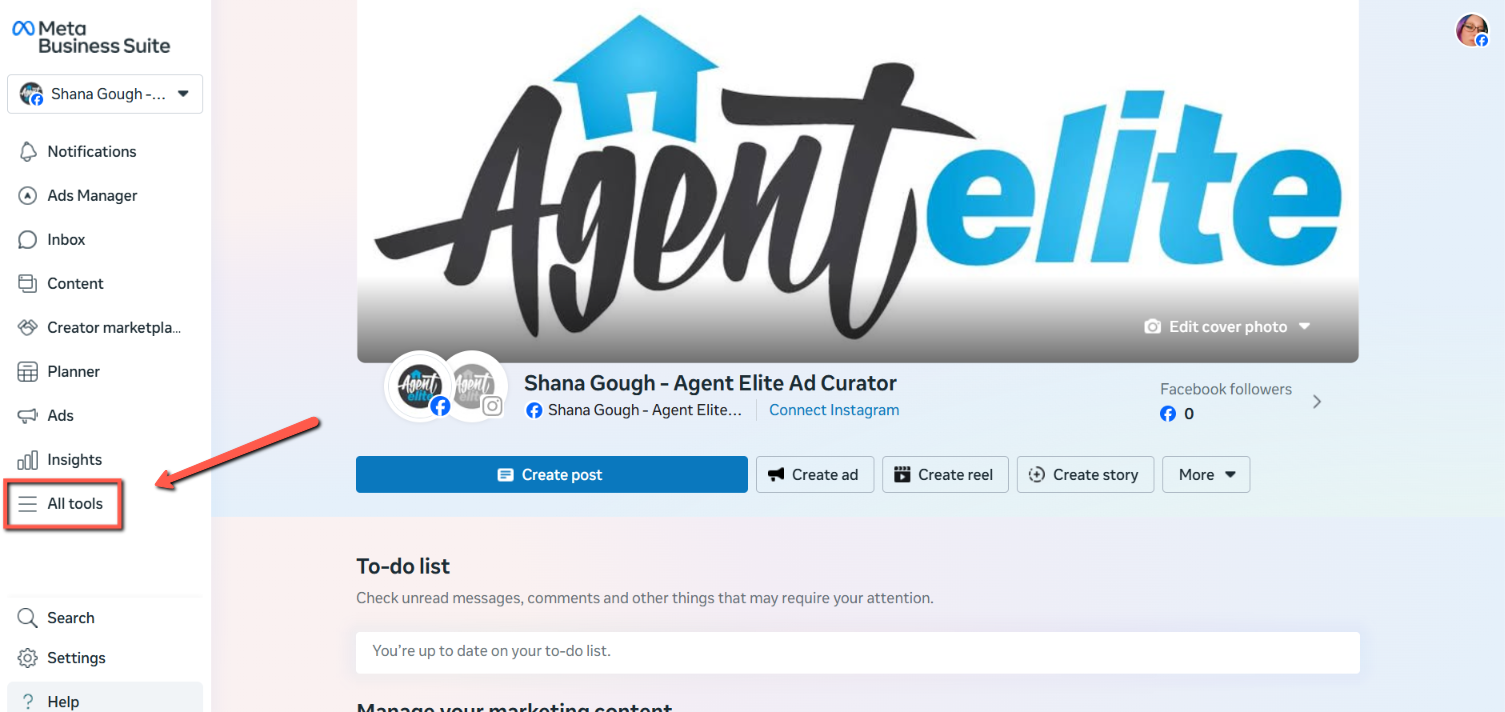
Scroll down and select ‘Instant Forms’ under ‘Advertise’
Download your leads directly from that screen:
That’s it! Here’s a Facebook article on the topic in case you’re running into any issues: https://www.facebook.com/business/help/541000507265711