Admin and dashboard
Admin/Account Owner
Section titled “Admin/Account Owner”Understanding the Dashboard
Section titled “Understanding the Dashboard”The Dashboard provides metrics and information about the health of your leads and your business. This section will explain all charts and sections on the Dashboard page.
Agent Filtering
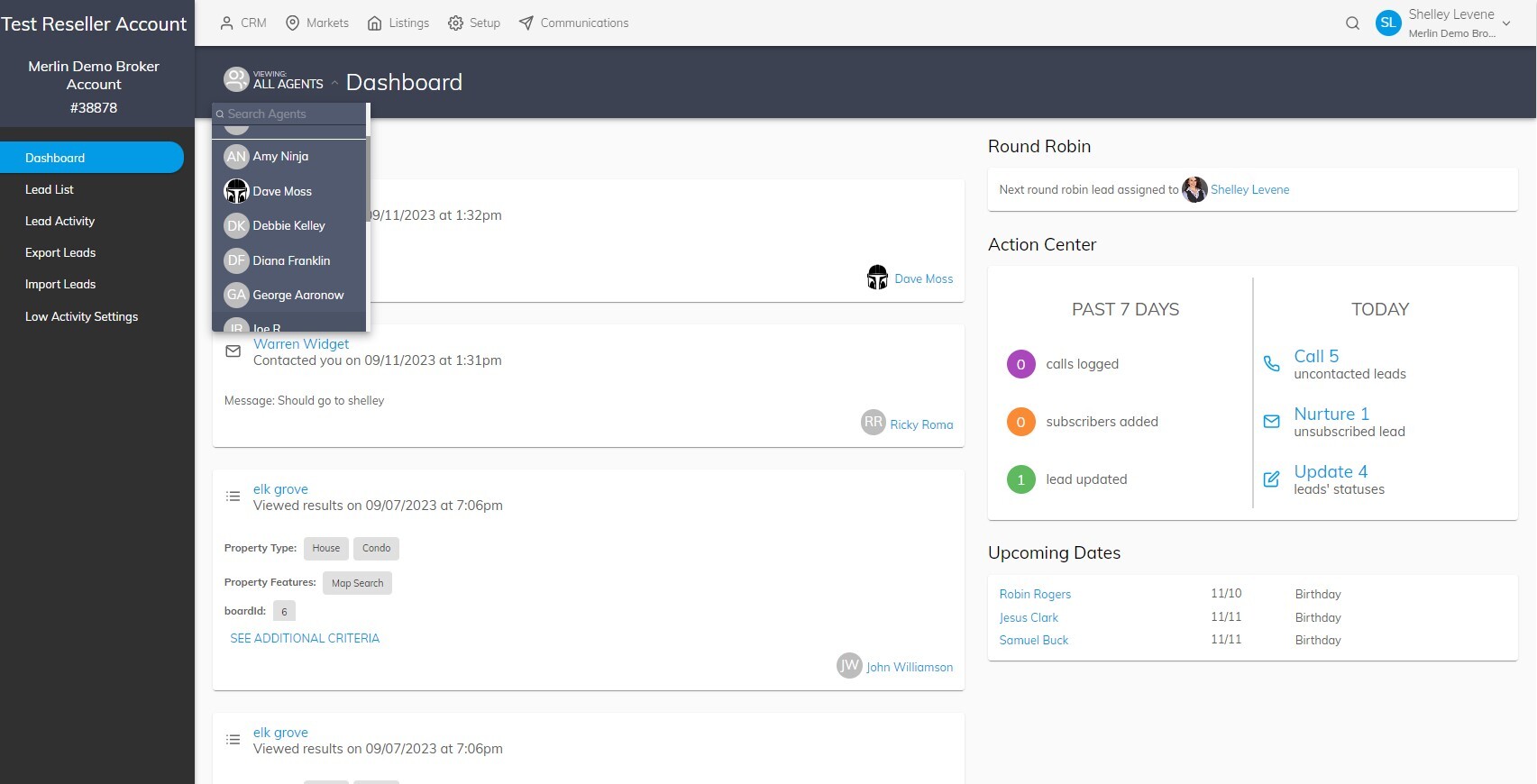
Administrators can view all agent lead activity and statistics, or use the Dashboard Filter to see data for a single agent.
This can be accomplished by clicking All Agents under VIEWING to the left of the Dashboard title, and selecting an agent from the picklist:
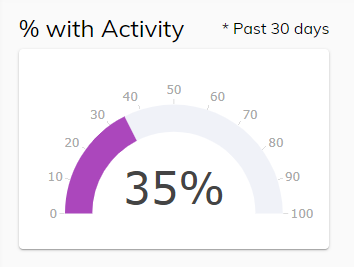
% with Activity
This chart displays the overall percent of your leads that have had at least one activity on your website in the past 30 days.
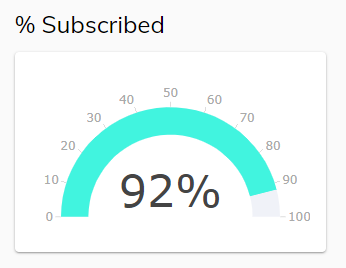
% Subscribed
This chart displays the overall percent of your leads that are subscribed to at least one subscription (subscriptions include Marketing Automation Campaigns, Market Reports or Email Alerts).
Action Center
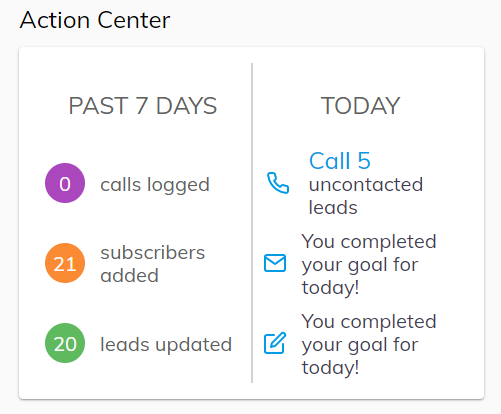
The Action Center provides data on actions you have taken in the past 7 days to develop your leads, and suggested actions you can take today.
Under PAST 7 DAYS:
- calls logged indicates the number of times you have added a Call type note to a Lead under the HISTORY tab
- subscribers added indicates the number of leads you have added a subscription to
- lead updated indicates the number of leads you have updated the pipeline status
Under TODAY:
- Click on Call uncontacted leads. You will be directed to a lead search filtered to show only leads with the Uncontacted pipeline status. As you add Call notes to leads, this number will decrease until you hit your goal for the day.
- Click on Nurture unsubscribed leads. You will be directed to a lead search filtered to show only leads without a subscription. As you add subscriptions to leads, this number will decrease until you hit your goal for the day.
- Click on Update leads’ statuses. You will be directed to a lead search filtered to show only leads with a blank pipeline status. As you add a pipeline status to leads, this number will decrease until you hit your goal for the day.
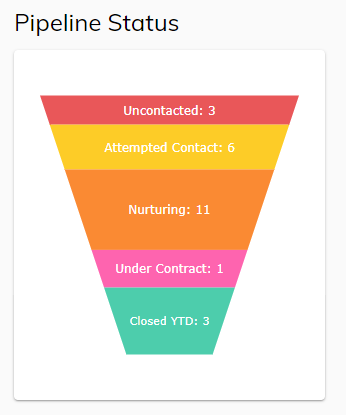
Pipeline Status
The Pipeline Status chart displays the total number of leads in each of the following stages:
- Uncontacted
- Attempted Contact
- Nurturing
- Under Contract and Closed (YTD)
Note: Dead Leads are not included in the chart, and only leads closed in the current year to date are counted in the Closed (YTD) section.
You can hover over each section in the Pipeline Status chart to see what percent of your leads are in each individual pipeline stage.
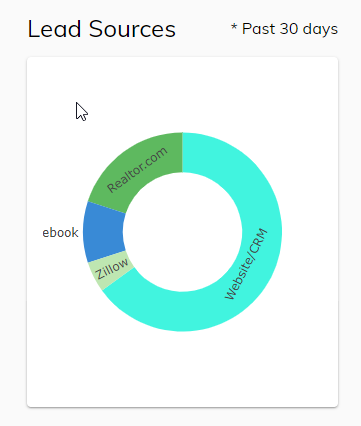
Lead Sources
The Lead Sources donut chart displays all sources your leads are coming from. You can hover over each section of the donut to see what percent of leads come from that source.
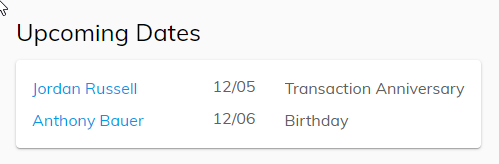
Upcoming Dates
The Upcoming Dates box will display any Birthdays or Anniversaries coming up in the next 7 days. You can click on a lead’s name in the box to open up their record, and use their email or address to send them a well-wishing or reminder to help develop your relationship.
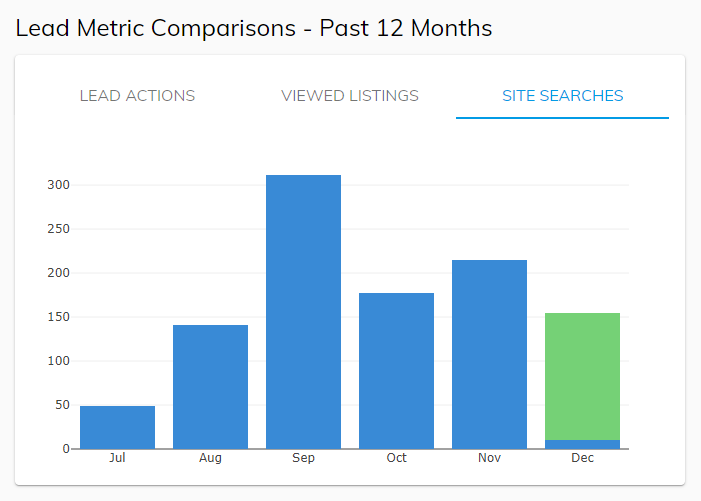
Lead Metric Comparisons - Past 12 Months
This section is a bar chart that can display 3 different types of metrics that have occurred in the past 12 months. The bar chart defaults to displaying Lead Actions.
LEAD ACTIONS
A bar chart that shows the total number of lead actions that have occurred on your website per month for the past 12 months.
VIEWED LISTINGS
A bar chart that shows the total number of listings viewed on your website per month in the past 12 months.
SITE SEARCHES
A bar chart that shows the total number of searches saved on your website per month in the past 12 months.
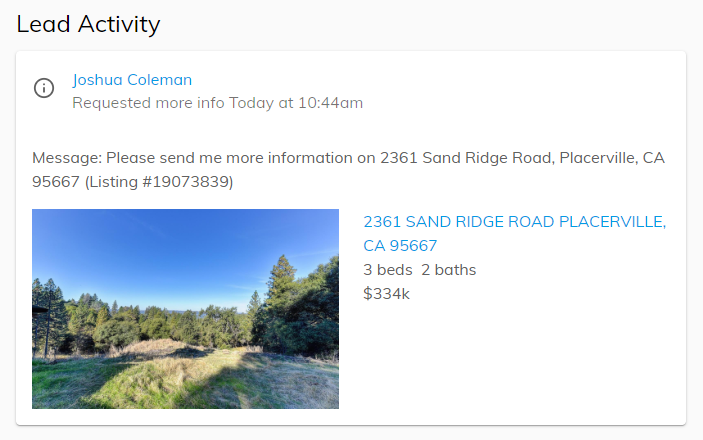
Lead Activity
This section displays site activity of your known leads. You can scroll to the bottom and click the VIEW ALL button to be directed to the Lead Activity page to view more lead activities that have occurred.
Agent Branded Email Header
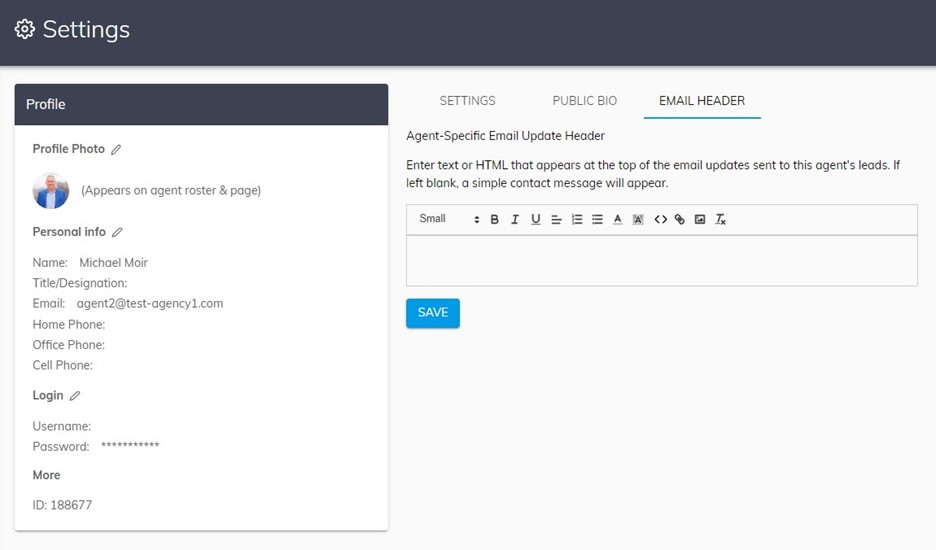
Section titled “Agent Branded Email Header”Agents can personalize their email header that is sent to their leads by adding their own branding. To do this, agents can go to their Profile > Email Header tab.
Administrators can modify email headers for all agents. Agent/Lead Owners can update their own email headers.