
Zapier
Zapier is a free service that automates tasks by connecting applications. Several integrations (referred to as “Zaps” in Zapier) are already built, which means you can start using them without any coding required.
Setting Up Zapier
Section titled “Setting Up Zapier”To send leads to AE CRM or another CRM using Zapier, users must log in to their CRM and Zapier accounts and follow the instructions below.
Once you’re logged into Zapier, click “Create”!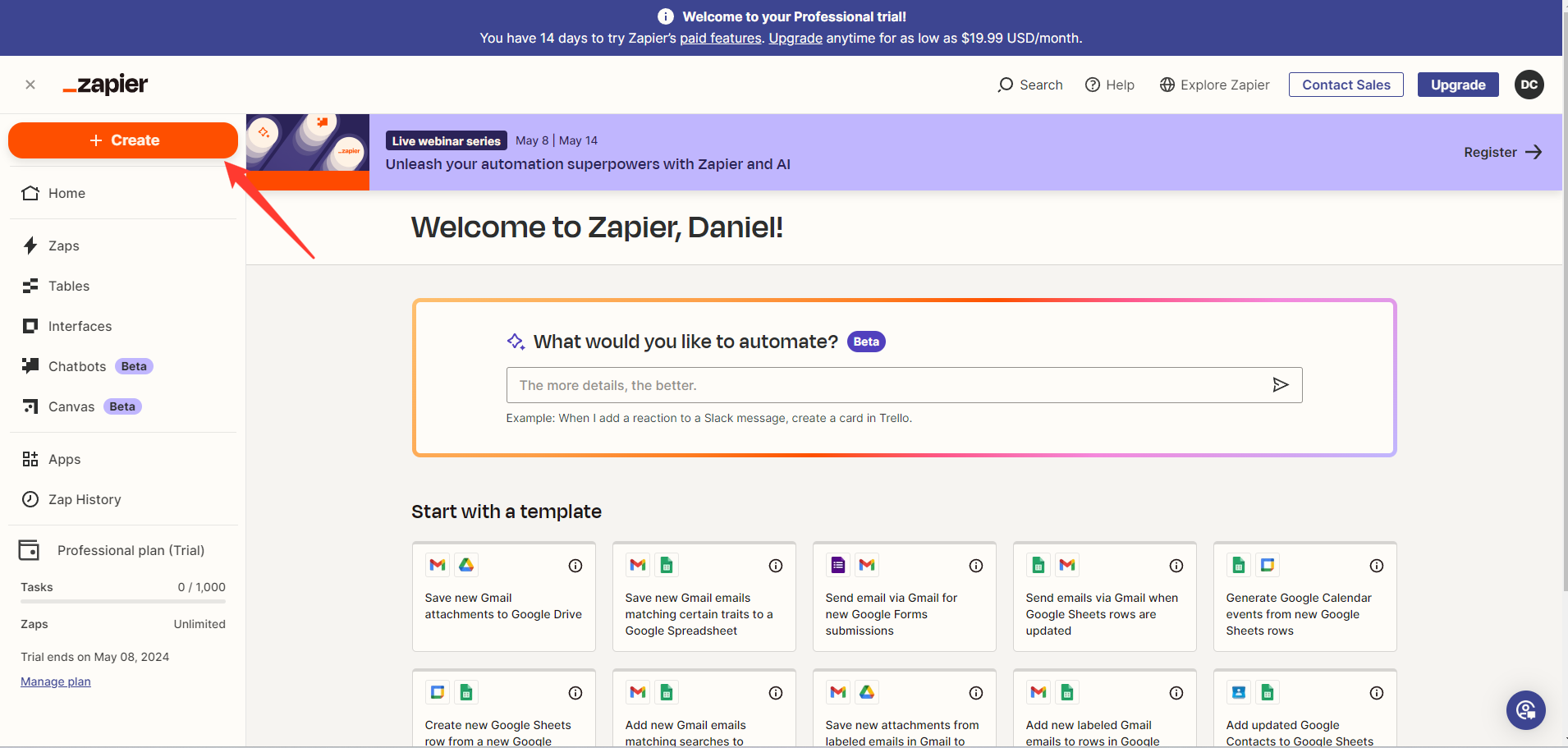
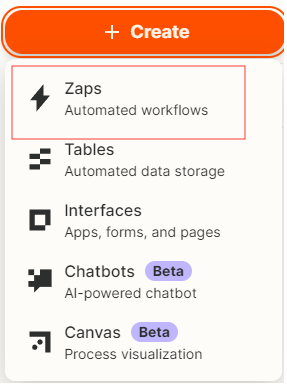
Then click “Zap” from drop down
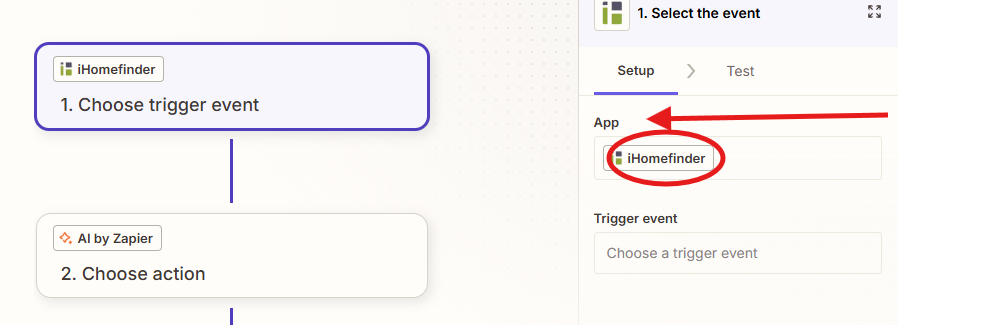
Choose iHomefinder as the Trigger app
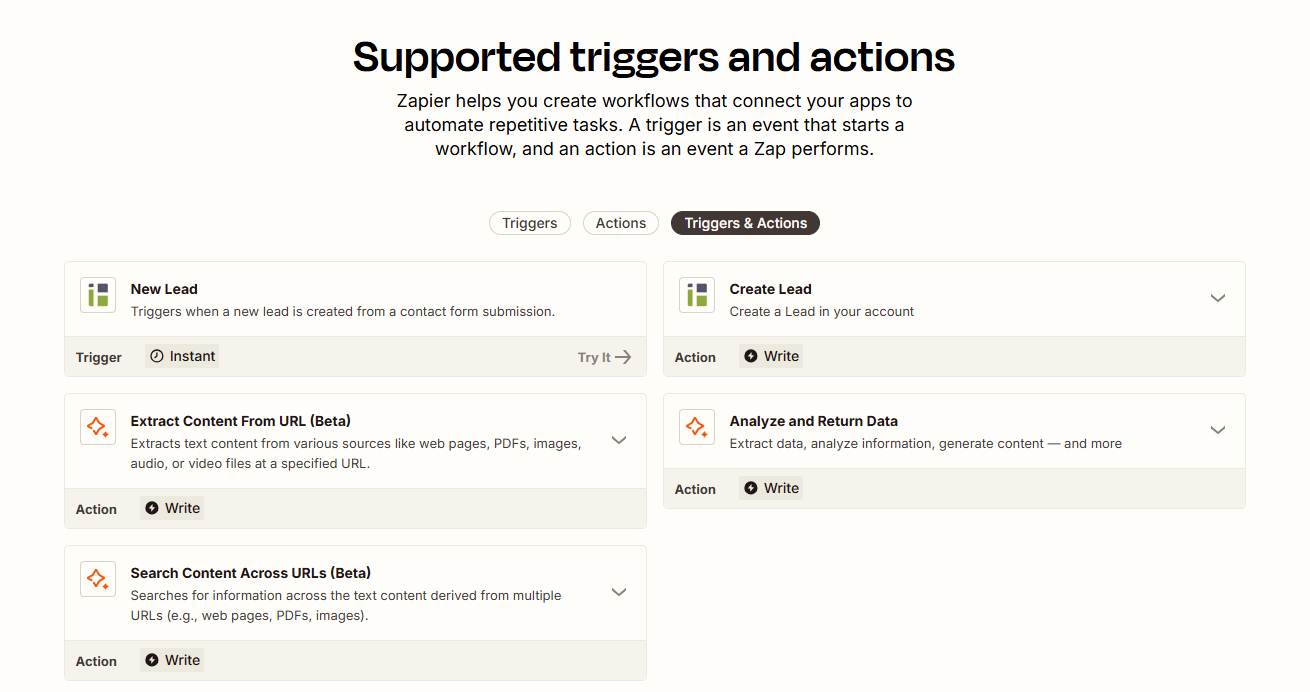
Select “New Lead/Contact” as the Trigger, Continue
For Action 2 select the source you are sending the new lead to, as Trigger App
Add your action
An action happens after the trigger—such as “Extract Content From URL (Beta)” in AI by Zapier.
You’re connected!
Zapier seamlessly connects Agent Elite and AI by Zapier, automating your workflow.
Name Your Zap “Agent Elite”

If a CRM does not have a Zapier connection, a lead aggregation email can be used as an alternative.