Logging in and account settings
How to Log Into User Portal
Section titled “How to Log Into User Portal”Go to home.agentelite.com. Type in your email that is associated with your account and the password you have created.
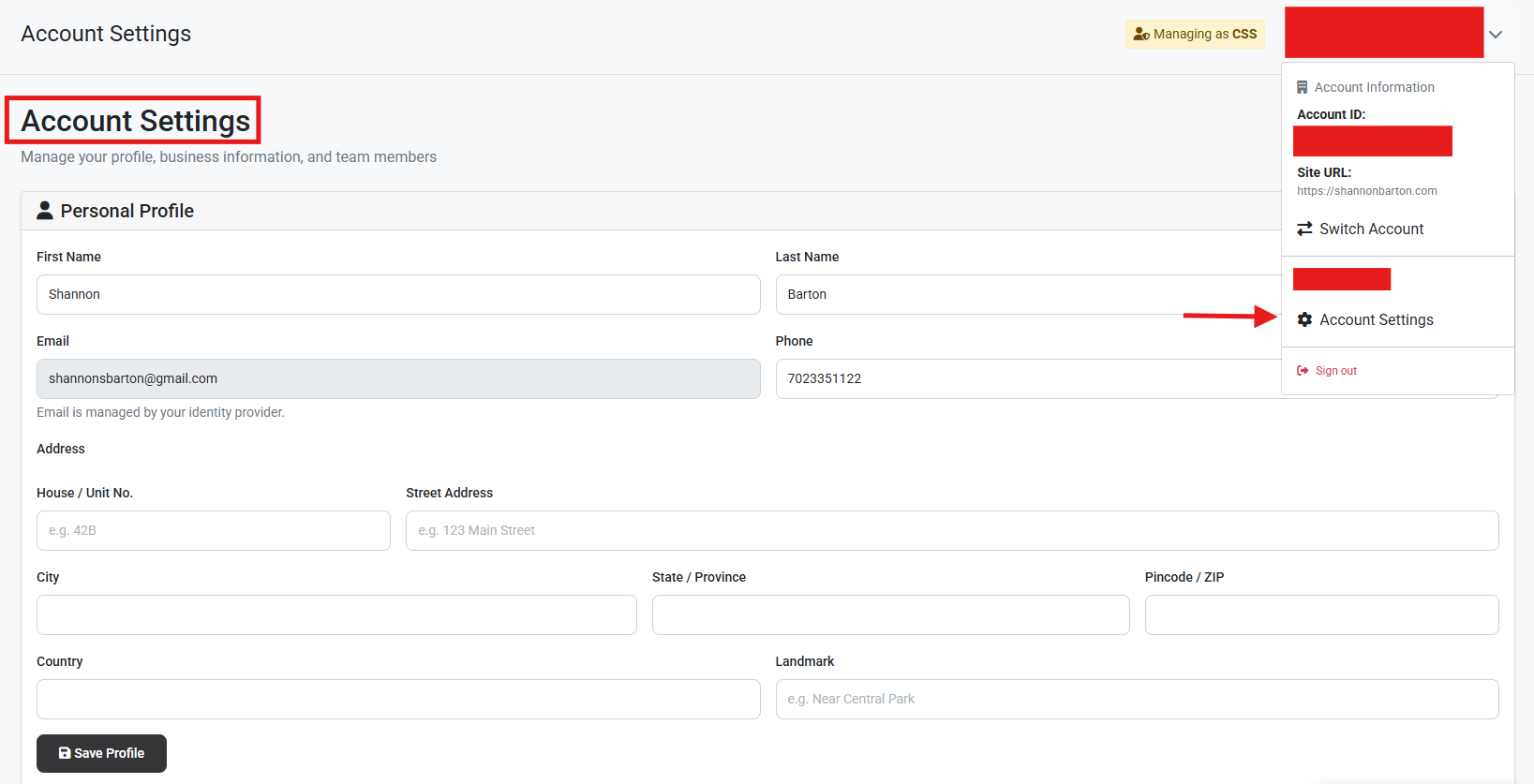
How to Change Email
Section titled “How to Change Email”Easily update your email address from the Account Settings screen.
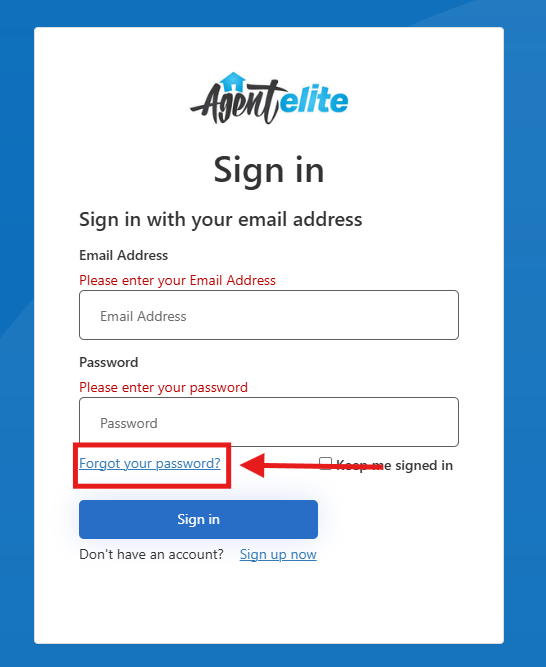
How to Update Password
Section titled “How to Update Password”Easily update your password from the main login screen. Go to home.agentelite.com and select “Forgot Your Password”.
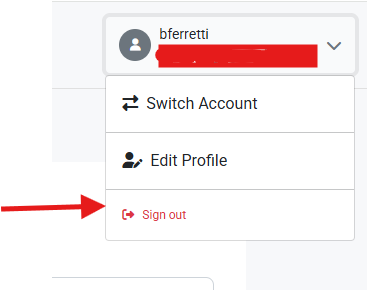
How To Log Out
Section titled “How To Log Out”