User Portal Walkthrough
Discover how to navigate the user portal effectively and gain a comprehensive understanding of its features and functionalities.
Go to home.agentelite.com or agentelite.com and Click “LOGIN”
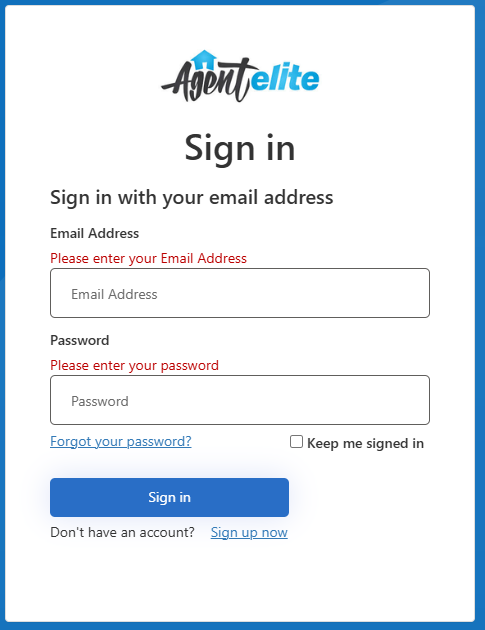
If you have not created an account or Forgot Your Password, follow these steps:
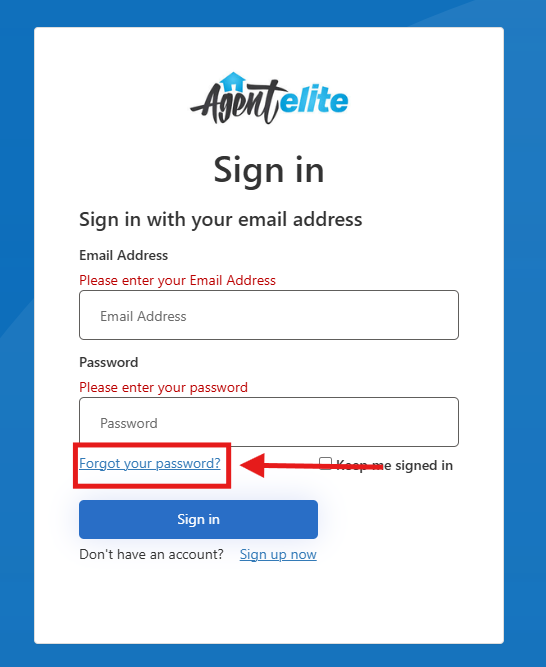
Section titled “If you have not created an account or Forgot Your Password, follow these steps:”The User Portal login page has a link under the email to reset your password. Click the link that says “Forgot Your Password?”
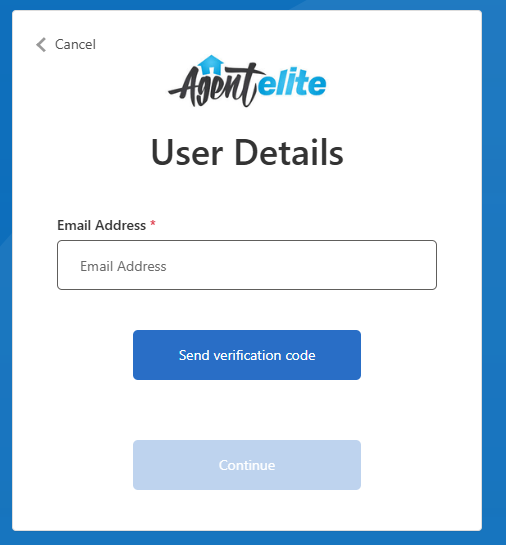
You will be prompted to enter the email address associated with your account and we’ll send you a verification link to reset your password.
Once You Are Logged In:
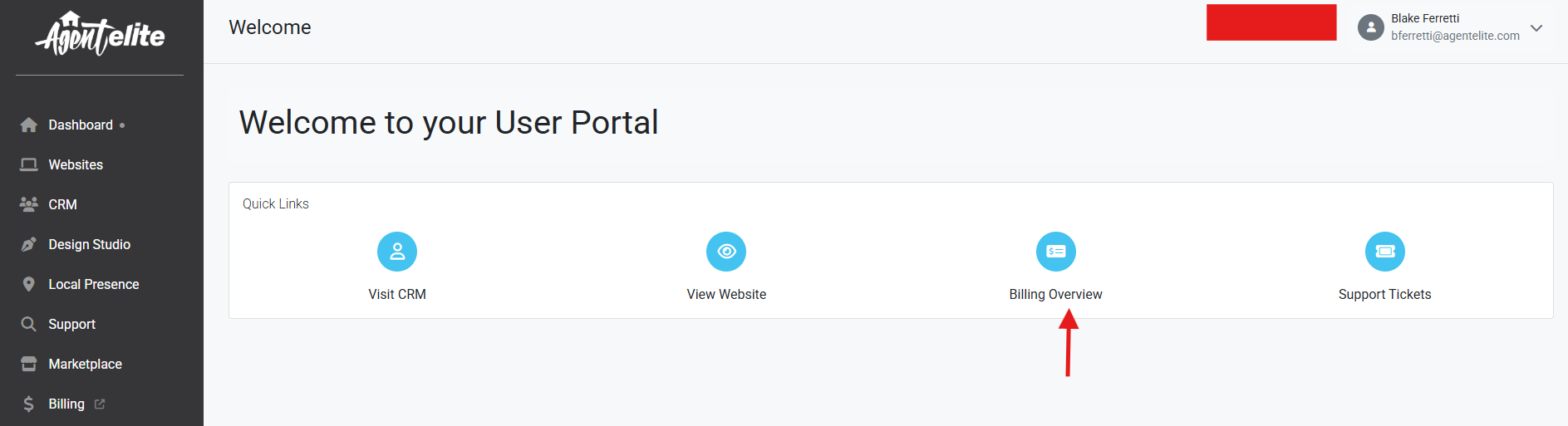
Section titled “Once You Are Logged In:”This is the first page seen upon logging into the User Portal. You are able to access all of your account details and assets from this home page.
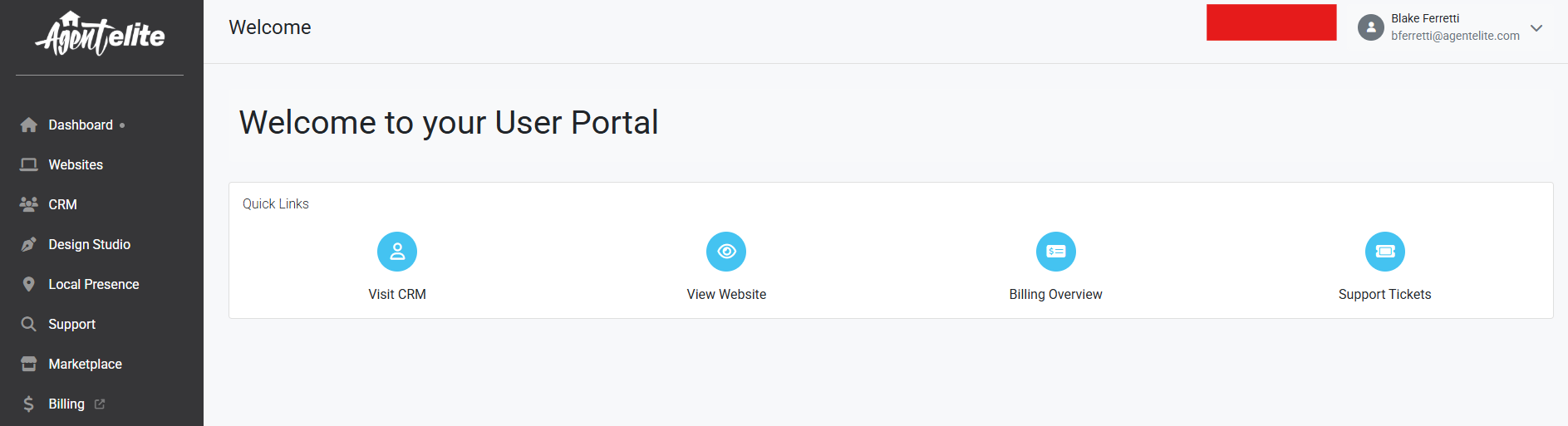
Visit CRM
Section titled “Visit CRM”In the menu of your User Portal, you have Visit CRM. If you have a website with IDX this will take you to your CRM system to manage your contacts. 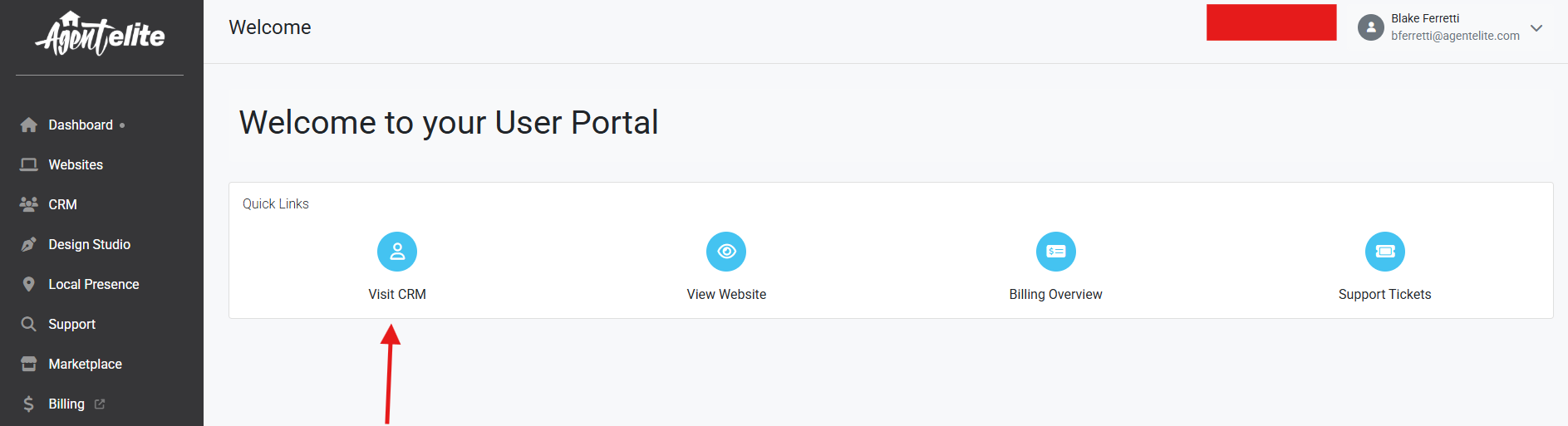
View Website
Section titled “View Website”If you have a Website, this is where you can access it from your dashboard. 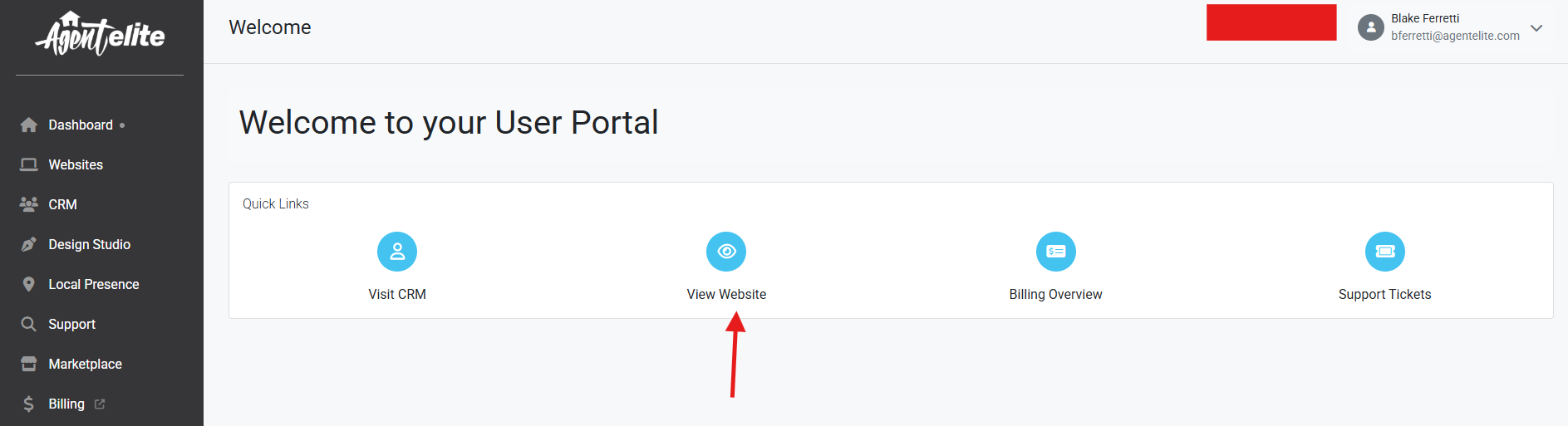
Support
Section titled “Support”Within the Support Tickets tab, you can Create Ticket and view all My Requests (history of tickets). When viewing My Requests, you will see the Date created, Subject, Ticket ID number, and status of the ticket.
Responding to Tickets
Section titled “Responding to Tickets”We will get to your ticket within two business days. 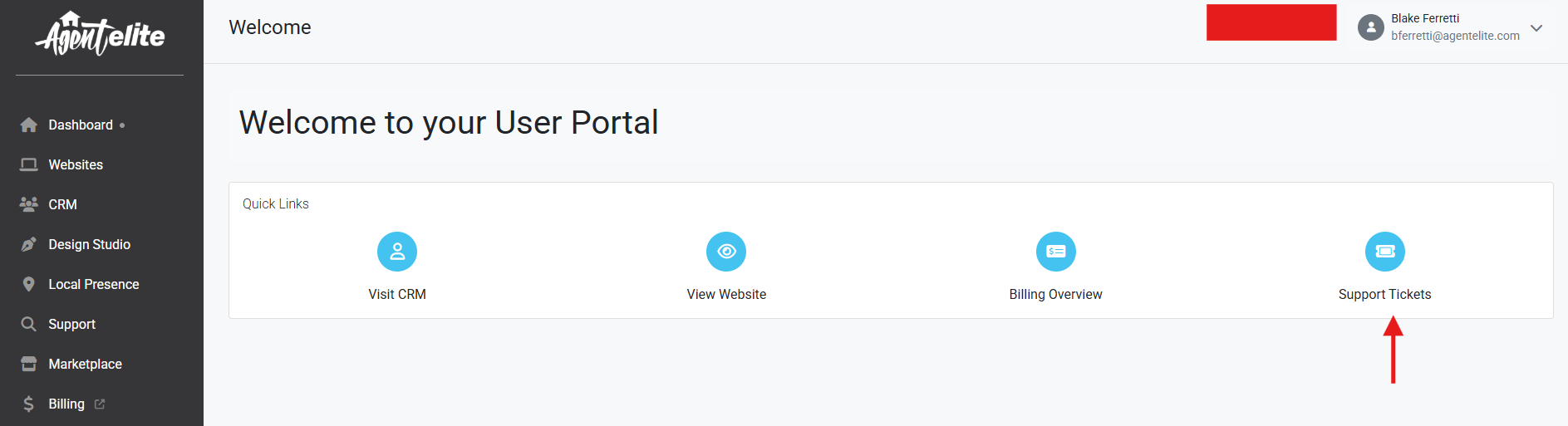
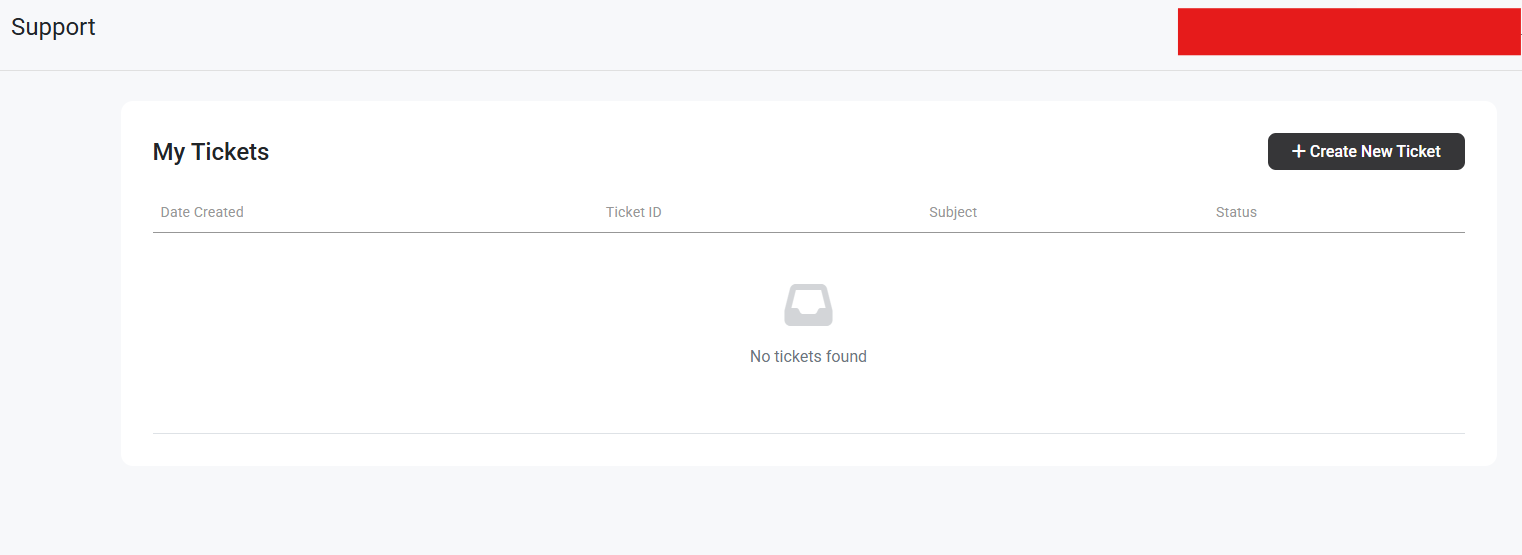
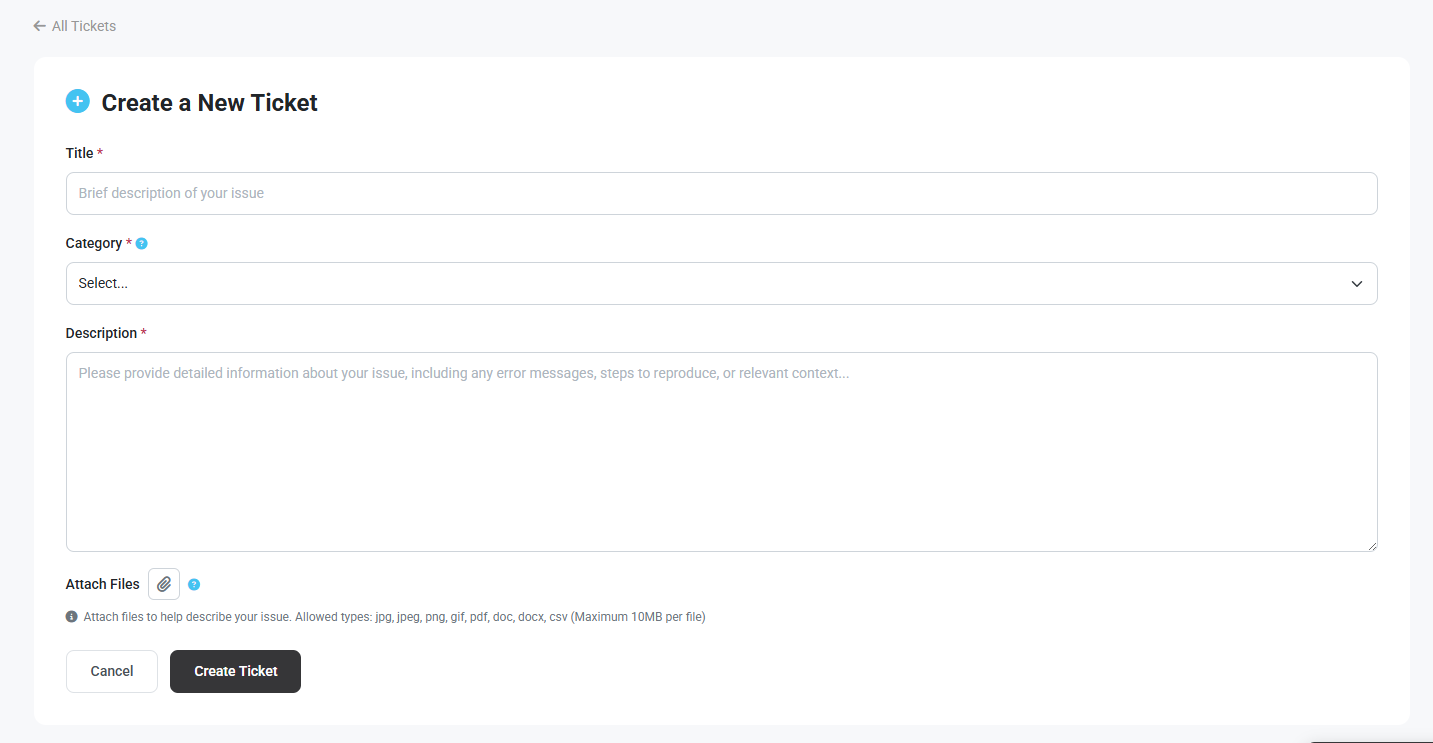
To create a new ticket, click Create Ticket.
Billing Overview
Section titled “Billing Overview”This will open up to your billing portal. You will have access to see:
- Your monthly payment is broken down.
- Your cards on file
- Invoice History
Account
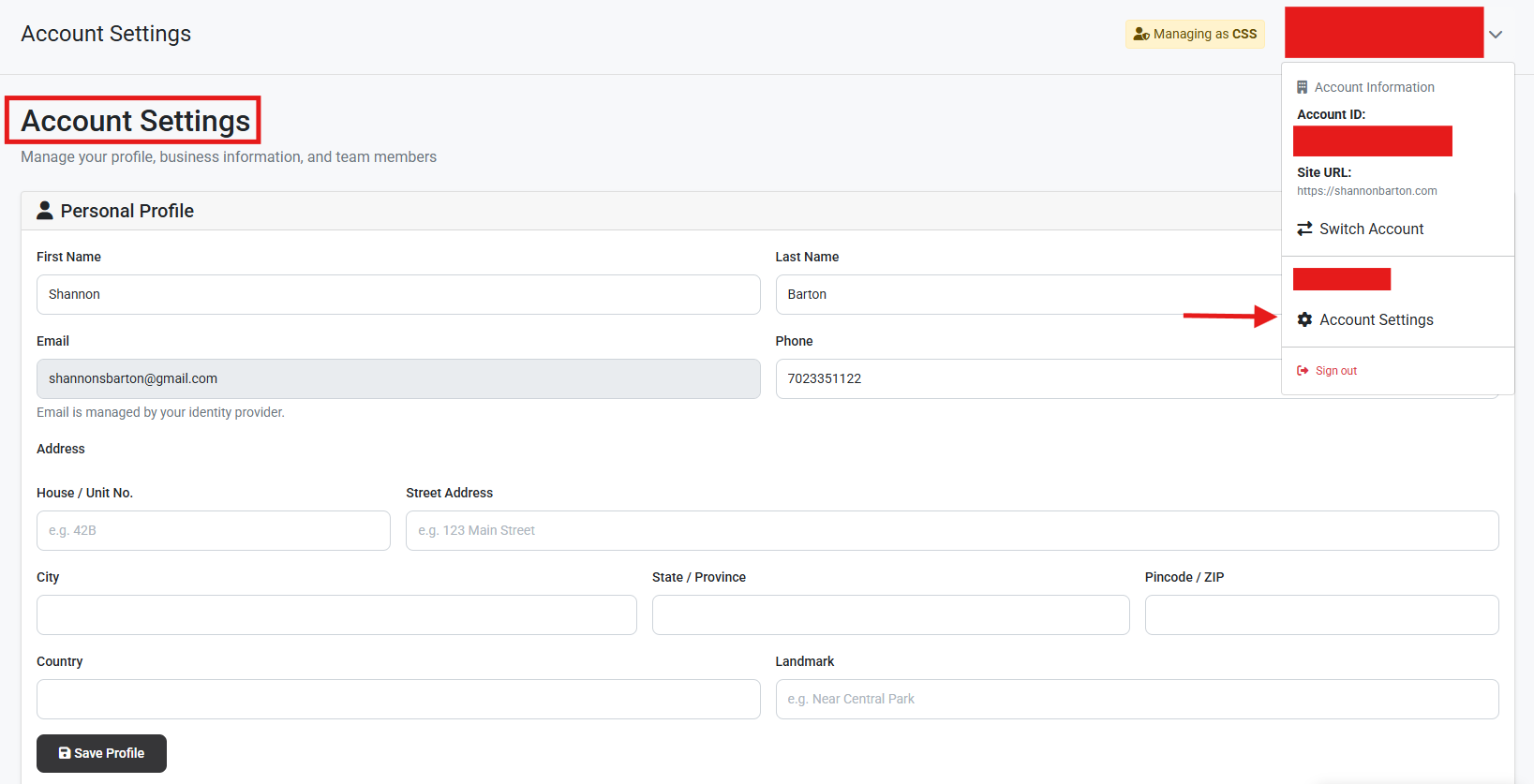
Section titled “Account”Your account screen displays your account details. Any updates or changes that you would like to make are on this screen.